article number
217234

Brodit ModTek Hard Case Apple iPad Air 13 2025 M3

€139.99
In stock
-
+
  • Fast Shipping
  • High Quality Products
  • Secure Payments
Details
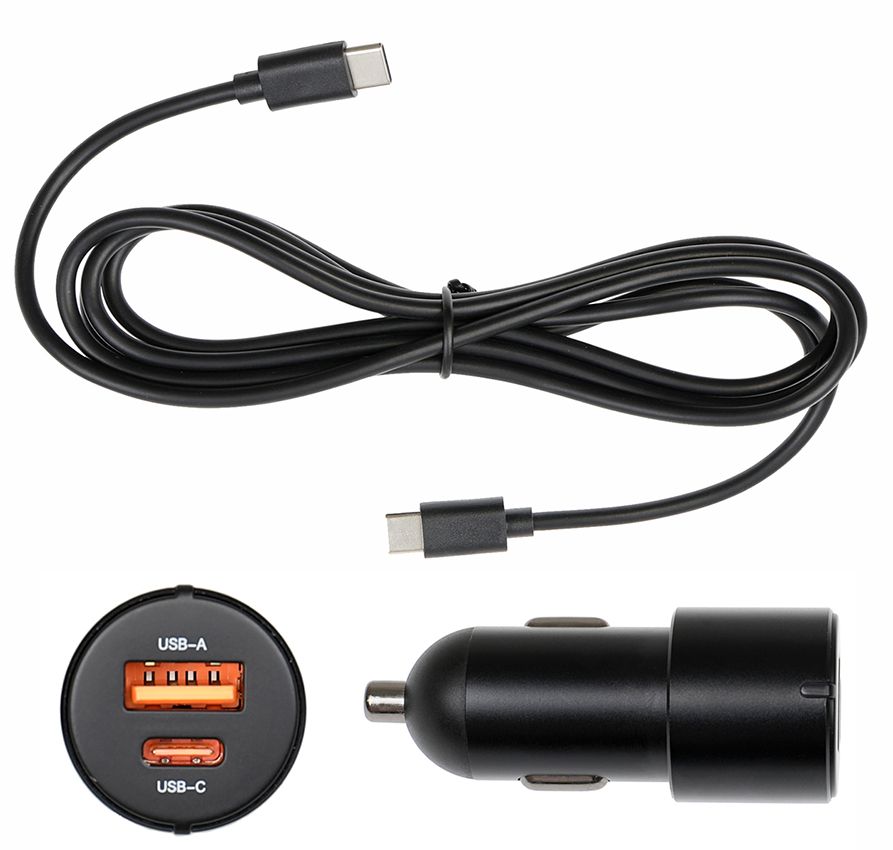
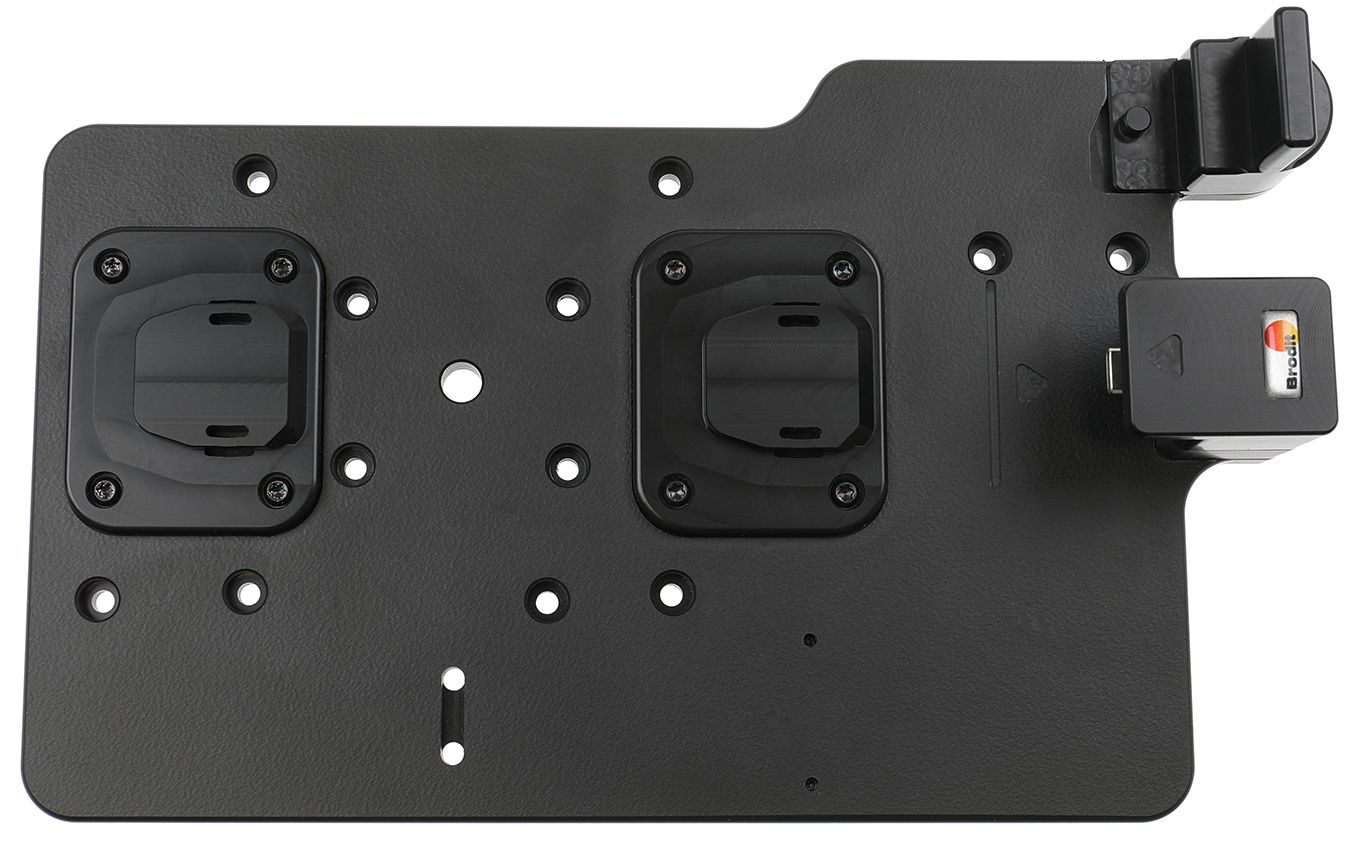
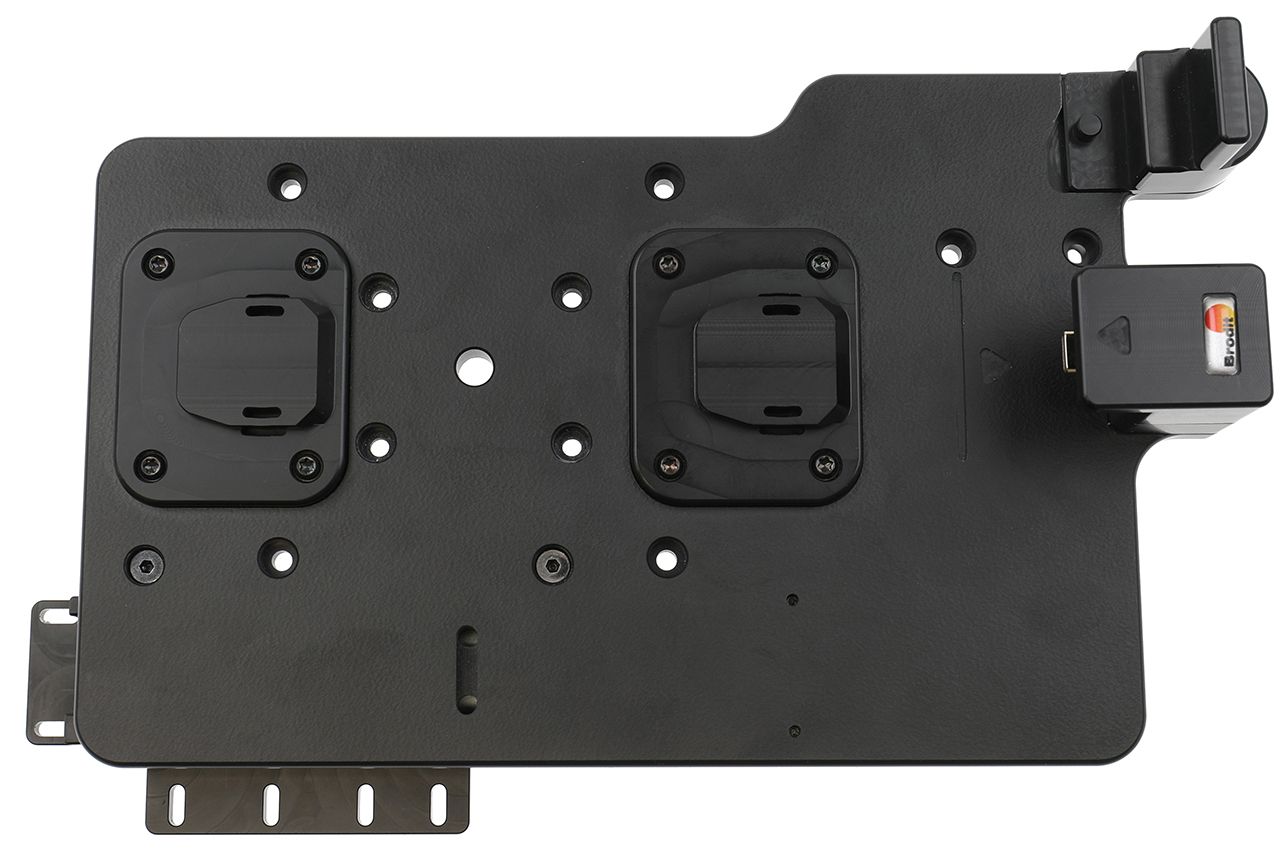
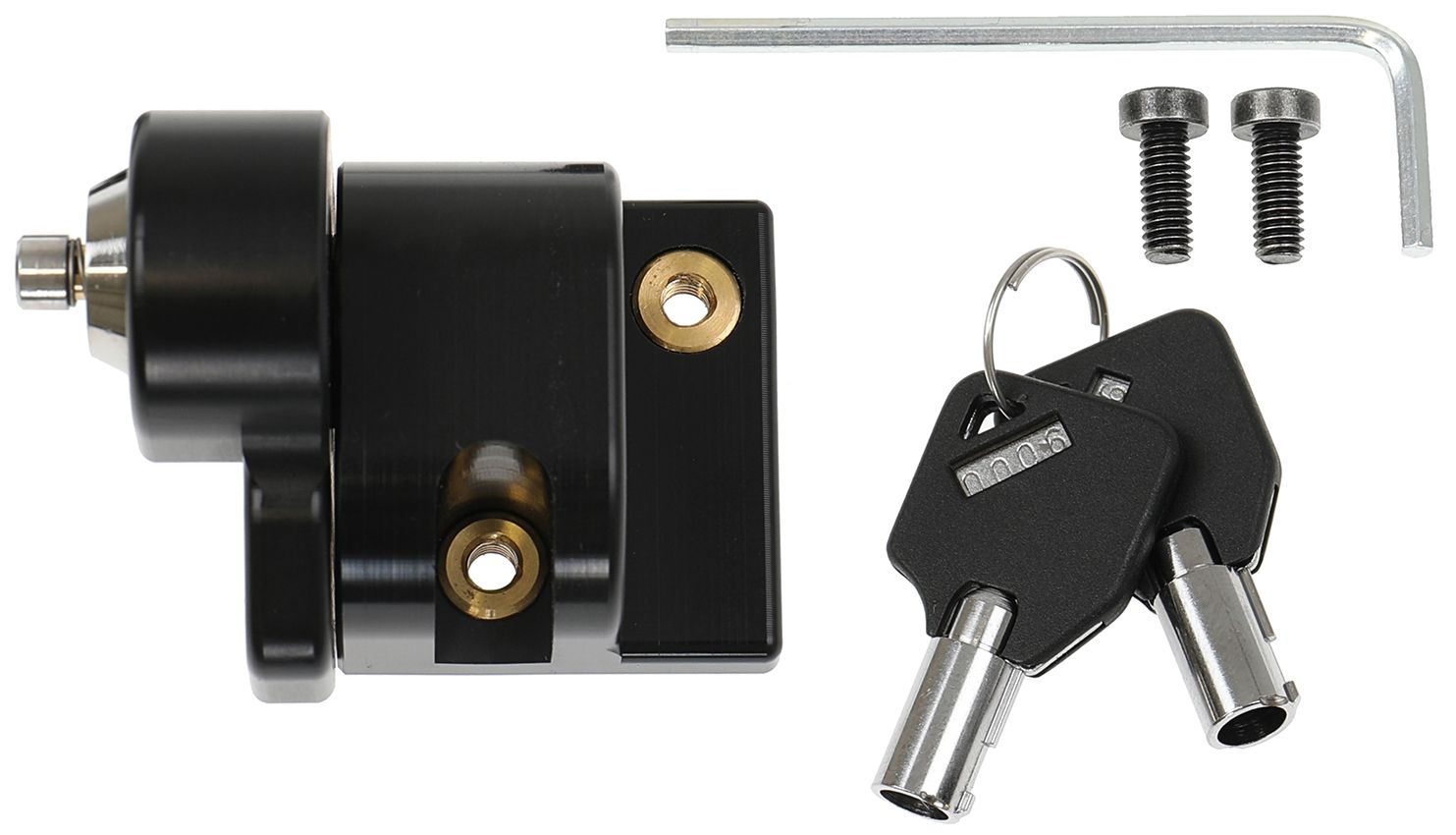
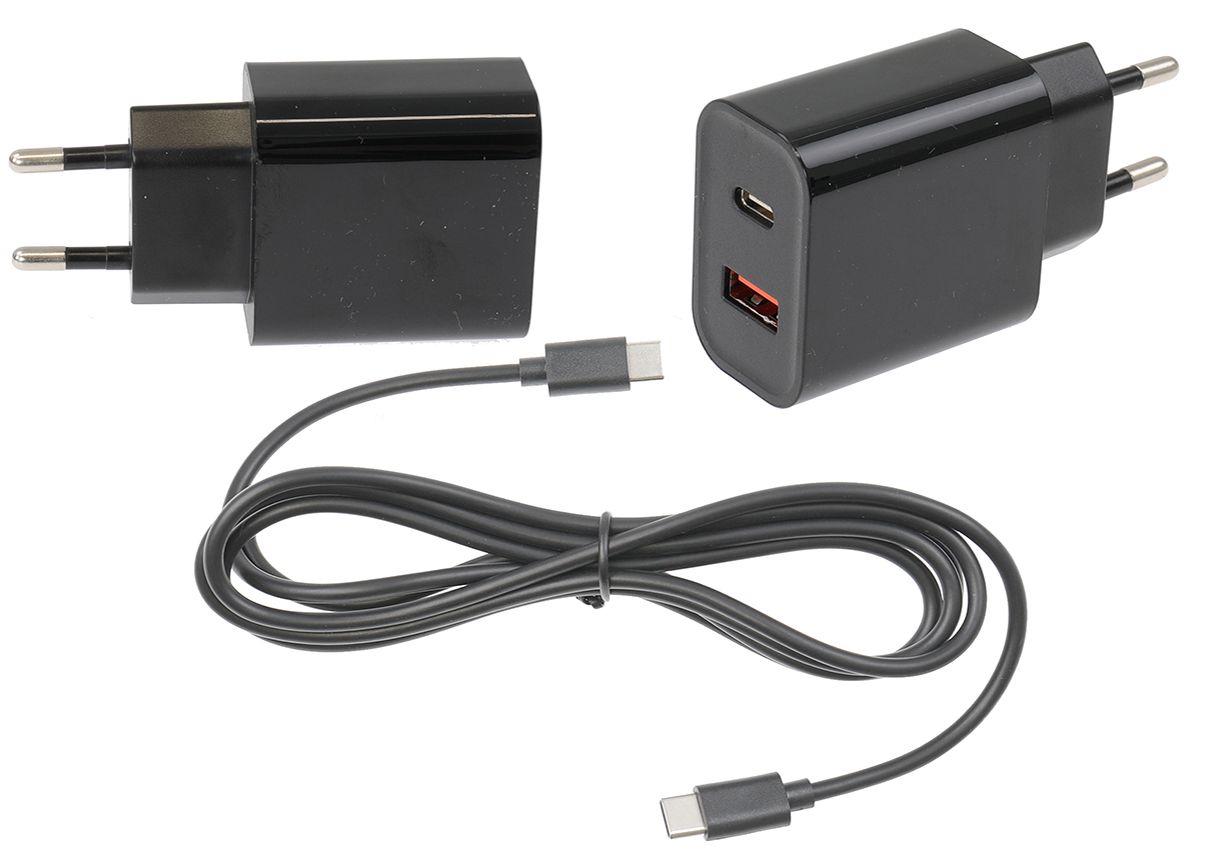
The ModTek Hard Case provides unmatched protection, shielding your tablet from wear and tear in daily use. The design ensures seamless access to all existing buttons, ports, cameras and the screen of the tablet. Additionally, the finger wells provide a comfortable and ergonomic grip for a secure hold.   Equipped with shock absorbing springs it provides the ultimate device protection. The Hard Case has been drop-tested onto concrete from 1.8m. Direct USB-C access between the tablet and the Dock allows simultaneous rapid charging and high-speed data transfer.   A complete ModTek mounting solution consists of a ModTek Dock, Hard Case and your choice of Power Supply. Accessories such as our Lock Module and USB Hub are also available.   The ModTek System: The ModTek System is the next generation of device mounting. The ModTek Hard Case provides unmatched protection, shielding your tablet from wear and tear while the ModTek Dock is universally compatible with all current and future ModTek Hard Cases ensuring longevity and reducing overall costs.   ModTek systems can be configured with different power and add-on options to meet your exact needs, then mounted to virtually any mounting arm or platform using the standard VESA or AMPS. Your investment into the Brodit ModTek system is designed to lower your total cost of ownership especially if you're mix and matching different tablets and when upgrading your tablets in the future. Build your ModTek solution today! Chose your ModTek Dock, Hard Case and pick between three available Power Sources: Wall, Hardwired and Cig Plug adapter.   NOTE!   Due to the size of the tablet and the flexibility of the screen, this Hard Case will not provide standard protection from damage due to vibration or dropping the tablet. This product is not intended to be used in Forklifts or other high vibration environments.
More Information
More Information
Accessory brand Brodit
Barcode 7320282172343
Recommended retail price incl. VAT €139.99
Device with or without case without skin
Holder feature Toestelspecifiek, ModTek
Cable / Qi / charger type / connnector passive
Toestel connector usbC
Montage standaard Miscellaneous
Device holder lockable? Optional
Color black
Productinfo Professional holder with swivel mechanism for your smartdevice. Adjusting holder angle deminishes annoying screen reflection
Item Returns This item can be returned
Show more + Show less -
Compatibility
Show more + Show less -
Instruction
Please read all of the instructions and look at the pictures before attaching the holder. 1. Place the back plate facing upward and press the tablet into it. Press the three included pins into the frame. Press the frame down over the back plate. Turn the back plate over and screw in the four included screws.
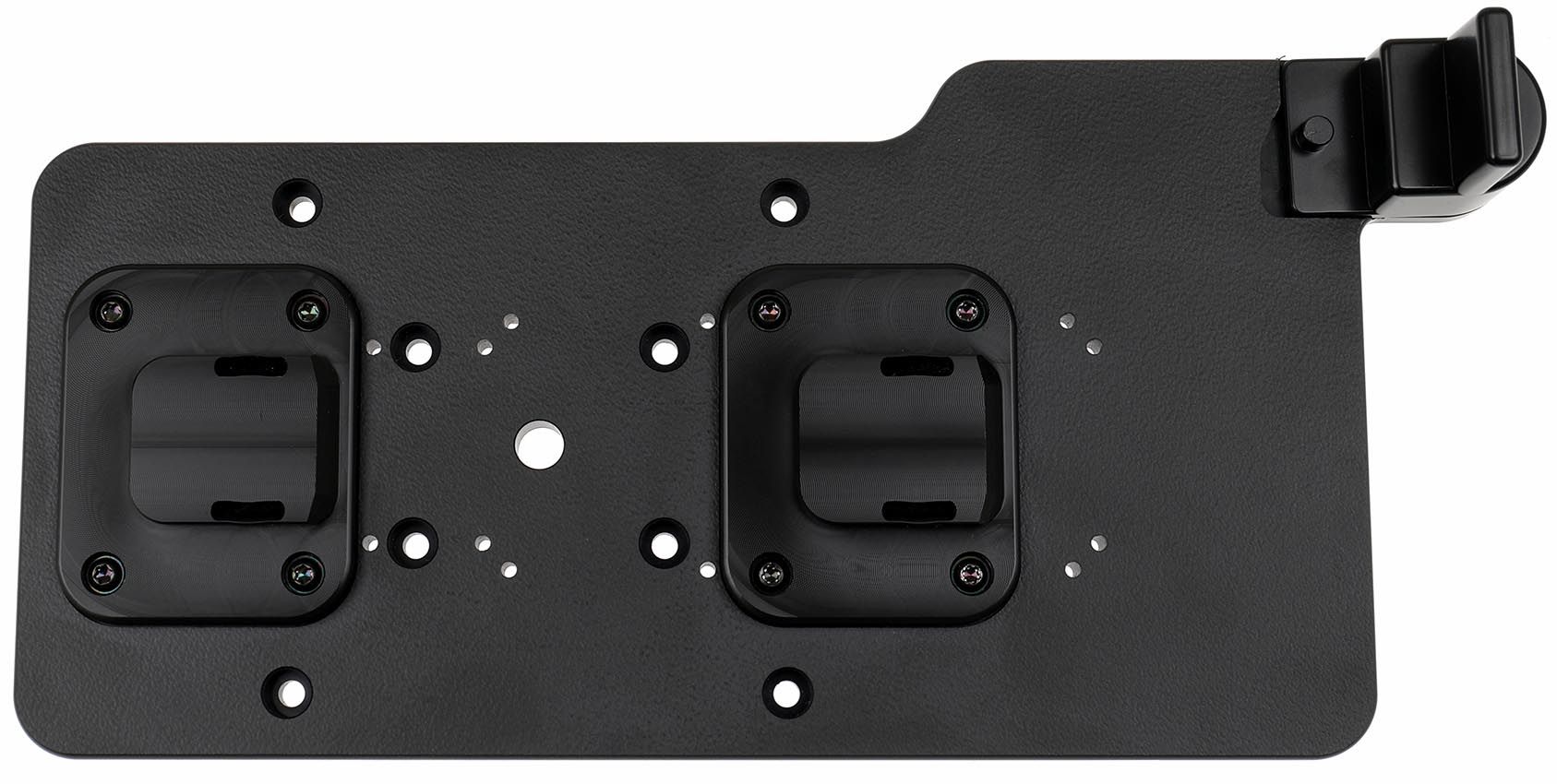
2. Mounting the Dock: Place the Dock onto the desired position and screw into place with the enclosed screws. The two mount points are used to align the tablet with the USB-C connector to ensure a perfect alignment and ensure the USB-C connection to the tablet does not create excessive wear.
3. Docking a Hard Case: The Hard Case and the Dock include alignment indicators to show where they should line up. Place the Hard Case onto the dock so both mount points are engaged before attempting to slide the case onto the USB-C connector. NOTE: If only one mount point is engaged the angle will be off when connecting to the USB-C connector and you can damage it permanently. Once the Hard Case is aligned by engaging both mount points, smoothly slide the tablet onto the USB-C connector until you hear an audible click. If you feel significant resistance the case is not properly aligned. Remove it and ensure alignment on both mount points before continuing. Releasing a Hard Case from the Dock: Use the quick release dial by turning it clockwise similar to turning a key. Now grab the Hard Case and slide it untill you see the allignment line and then pull the case towards you.
4. The mount is in place.

Scroll to top