article number
216230

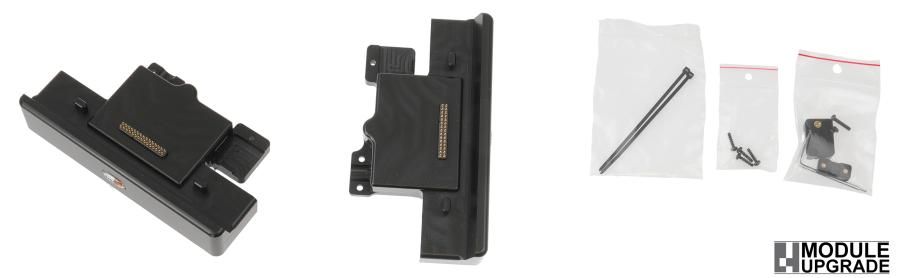
Brodit MUC charging module usbA Host / DC Zebra ET5x

€172.95
In stock
-
+
  • Fast Shipping
  • High Quality Products
  • Secure Payments
Details
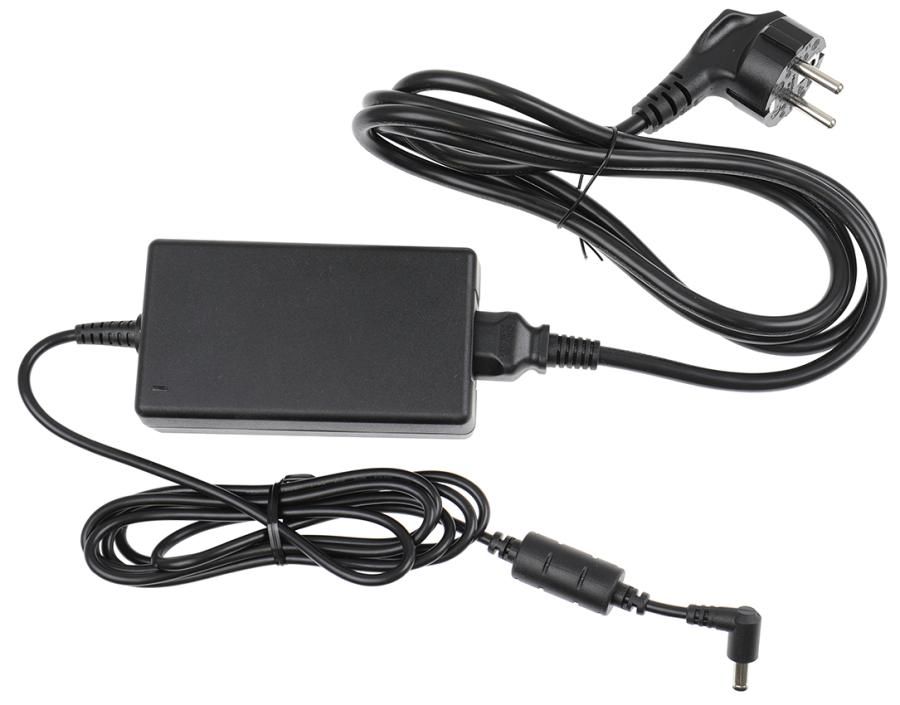
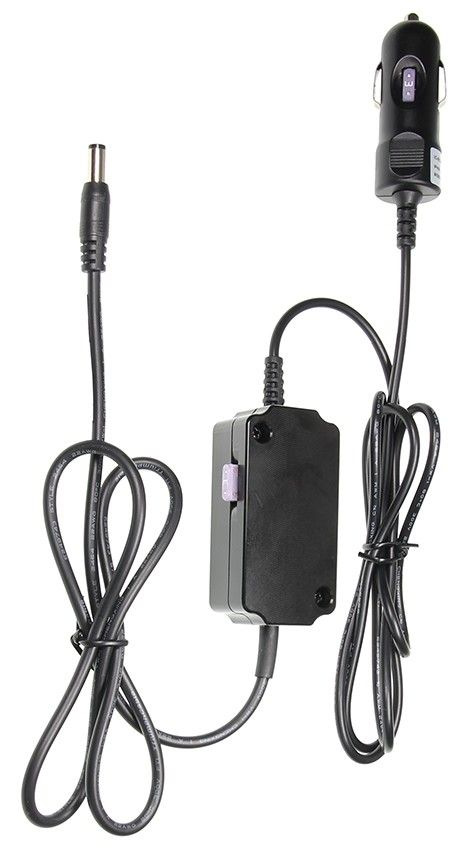
Charging module with USB-A Host and DC-connector 5,5x5,1-1,5mm for Module Upgrade holders. (No cables included.) Charging module mit USB-A-Host port and DC barrel jack port 5,5x5,1-1,5mm. The product is compatible with Module Upgrade holders, this means that you can updrade such a holder with a charging module if desired. (Cables not included)   The USB-A port can be powered in two different ways: When the cradle is EXTERNALLY powered with 12Vdc, the USB-A port will supply 1.5A at 5Vdc. When the cradle is used WITHOUT an external 12Vdc supply, the USB-A port will supply 1.1A at 5Vdc. When using this option the accesory connected to the USB-A port will draw power from the ET5x and reduce the battery more quickly.   With a USB-A port for USB Host data transfer (cable not included) and a DC barrel jack port 5,5x5,1-1,5mm for power supply via pogo pins. Cables for power supply are NOT included, add one of the following products in order to get charging for your device: Item no. 941022  Cable with cig-plug, straight cable.12V out, 2,5A. 12/24V in.   Item no. 941021  Cable for fixed installation. 12V out, 2,5A. 12/24V in. Item no. 216240  Alfatronix Converter 12V out, 48V in, with 2 m cable. Item no. 216249  12V Power supply, with 220V connector, worldwide adapters included. 
More Information
More Information
Accessory brand Brodit
Barcode 7320282162306
Recommended retail price incl. VAT €172.95
Device with or without case without skin
Module Upgrade Cradle system (MUC) MUC Module
Holder feature Toestelspecifiek, MUC add on
Holder extras module add on, DC powerconnector (Power supply not included)
Cable / Qi / charger type / connnector usbA only
Toestel connector Pogo / Pins
Input Voltage does not apply
Voltage (output) does not apply
Max Amperage not applicable
Montage standaard AMPS
Device holder lockable? no
Color black
Item Returns This item can be returned
Show more + Show less -
Compatibility
Show more + Show less -
Instruction
Please read all of the instructions and  look at the pictures before attaching the holder.   1. Loosen the screws on the back of the holder to remove the bottom support.  
2. Place the charging module as shown so that the holes fit. Screw on the charging module.  
3. Attach the cables: Connect the cable in the port. Place the enclosed lid over the cable and attach it with the enclosed screw.  
4. The holder is in place.

Scroll to top